

Quick answer: SurveyLegend is our top pick for free surveys that look polished on phones, tablets, and computers. It’s easy to learn and gives small teams plenty before they need to pay.
Editor’s note: This article is a summary of publicly available product information and verified third-party user reviews. We did not test these platforms ourselves. Rankings and recommendations reflect our editorial assessment and are subjective.
Your customers won’t pinch, zoom, or wrestle with a clunky survey; they’ll simply leave. The best mobile survey tools keep every question quick, clear, and easy to answer on any screen. Here are seven free options that do that especially well.
The best free survey makers at a glance
|
Tool |
Best For |
|
SurveyLegend |
Best overall mobile design |
|
Google Forms |
Quick surveys |
|
SurveyPlanet |
Unlimited responses |
|
SurveyMonkey |
Templates |
|
Typeform |
Conversational forms |
|
Jotform |
Offline collection |
|
Zoho Survey |
Zoho teams |
How we chose the tools
We compared free plans, mobile rendering, question types, and ease of use using publicly available product information and verified user reviews. We did not test these platforms ourselves.
1. SurveyLegend
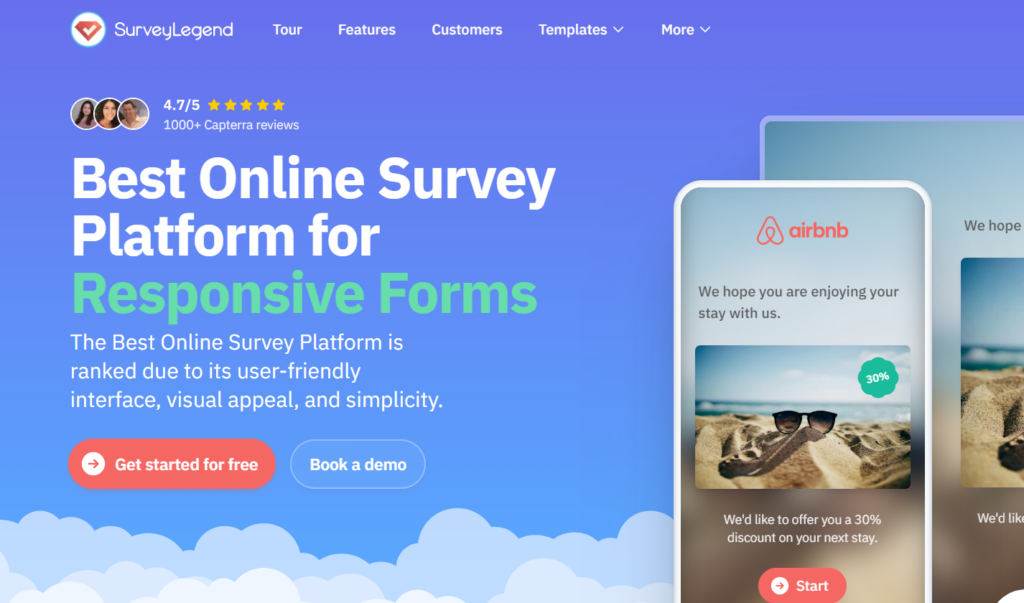
SurveyLegend is an online survey platform for people and businesses of all sizes that makes beautiful, on-brand, mobile-first surveys without coding or design skills. For free surveys that need to look good on a phone, it’s the strongest all-rounder. The free Starter plan (3 surveys, up to 1,000 responses each) gives you the drag-and-drop builder, mobile-first layouts, 20+ question types, live results, and AI data analysis, which is plenty for customer feedback, events, and coursework. Exports, deeper branding, logic, and integrations are paid, and there is no offline collection. SurveyLegend holds a 4.4/5 rating from 562 reviews on G2 and is used by teams at Airbnb, Lufthansa, Greenpeace, and PayPal.
Pros
- Easy drag-and-drop builder
- Polished mobile-friendly design
- Live results and AI analysis
- Useful free Starter plan
Cons
- Advanced tools are paid
- No offline survey collection
2. Google Forms
Google Forms is quick, familiar, and easy to share. It connects neatly with Google Sheets and lets teammates edit together. It’s dependable for basic surveys, although the design and reporting tools are plain.
Pros
- Free and easy
- Real-time responses
- Team collaboration
- Sheets integration
Cons
- Limited branding
- Basic analysis
3. SurveyPlanet
SurveyPlanet gives free users unlimited surveys, questions, and responses. That’s generous if you expect a large audience without a response cap. Exports, branching, and stronger themes require an upgrade.
Pros
- Unlimited surveys
- Unlimited questions
- Unlimited responses
- Easy sharing
Cons
- No free exports
- Basic reports
4. SurveyMonkey
SurveyMonkey offers templates and AI-assisted setup, which helps when you’re unsure where to begin. It’s familiar and suitable for customer, market, or employee feedback. The free plan becomes restrictive once you need more questions, responses, or stronger analysis.
Pros
- Strong templates
- Helpful AI setup
- Familiar interface
- Basic reports
Cons
- Tight free limits
- Many tools are paid
5. Typeform
Typeform’s one-question-at-a-time format feels smooth and friendly on mobile. It’s a good fit for short surveys, lead forms, and feedback where presentation matters. The free plan is best for testing ideas because its response allowance is small.
Pros
- Attractive layouts
- Friendly flow
- Easy styling
- Useful templates
Cons
- Low response limit
- Advanced tools cost more
6. Jotform
Jotform suits events, fieldwork, and places where the internet may be unreliable. Its mobile app collects responses offline and syncs them later. The builder is flexible and offers a range of templates, though the dashboard can feel busy.
Pros
- Offline mode
- Flexible builder
- Many templates
- Useful integrations
Cons
- Submission limits
- Busy interface
7. Zoho Survey
Zoho Survey makes sense if your team already uses Zoho. Its free plan supports responsive surveys, reports, and straightforward customisation. Question and response caps can limit bigger projects, but its Zoho connection is useful.
Pros
- Mobile-friendly
- Helpful reports
- Zoho integrations
- Easy setup
Cons
- Free-plan caps
- Best inside Zoho
Frequently Asked Questions
What’s the best free survey tool?
SurveyLegend is the best all-rounder for polished mobile surveys. SurveyPlanet is better when unlimited responses matter more.
Is there a free anonymous survey maker?
Yes. Most tools here, including SurveyLegend, let you collect responses without asking for names or logins; check each tool’s settings to keep responses anonymous.
What’s the best mobile survey app?
Jotform is stronger for offline collection. SurveyLegend is better for attractive browser-based surveys across devices.
What should I look for in a mobile survey tool?
Choose large tap targets, readable text, short pages, and a layout that doesn’t need zooming. Preview the survey on an actual phone before sending it.
Final verdict
SurveyLegend offers the best mix of good looks, easy setup, and genuinely useful free features. Your ideal option may change if unlimited responses, offline collection, or a familiar workspace matters more. Pick the tool that feels easiest for your audience and simple enough for your team to use regularly.